
What Features Make an Office Chair Ergonomic?
An ergonomic office chair supports the person using it—not just a generic sitting position. Learn which adjustments matter most when choosing commercial seating for long workdays.
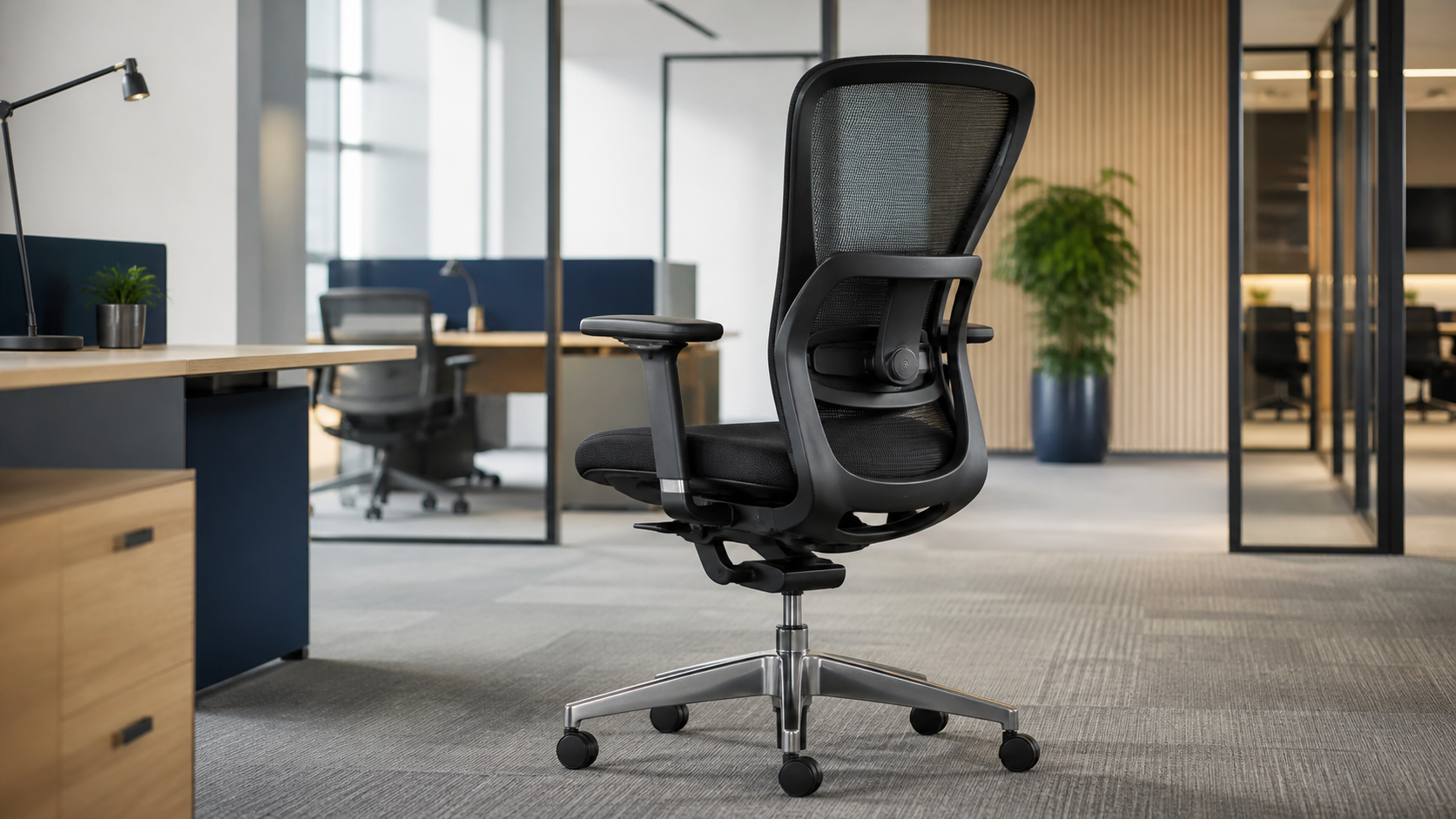
The best ergonomic office chairs help people sit comfortably, change position, and keep the workstation aligned with their bodies. Adjustability matters because employees have different heights, proportions, tasks, and preferences.
Seat-height adjustment
Feet should rest flat on the floor or a footrest while knees remain near a comfortable right angle and forearms align with the work surface.
Adjustable seat depth
A sliding seat pan supports the thighs without pressing into the backs of the knees, helping different users maintain good circulation.
Lumbar support
Well-positioned lower-back support helps preserve the spine’s natural curve. Adjustable height or firmness makes the fit more personal.
Responsive recline
Tilt tension, recline range, and multiple position options encourage movement instead of holding the body in one rigid posture all day.
Adjustable armrests
Armrests should support relaxed shoulders without blocking access to the desk. Height, width, depth, and pivot controls increase flexibility.
Stable mobility
A strong five-star base, smooth swivel, and casters matched to the flooring let users reach work areas without awkward twisting.
Comfort comes from fit and movement
Fit the chair to the user
- Support the feet, thighs, lower back, and forearms
- Leave comfortable space behind the knees
- Keep frequently used controls within easy reach
- Choose a seat and back sized for the intended users
Fit the user to the workstation
- Position the keyboard near elbow height
- Place screens at a comfortable viewing height and distance
- Use a footrest when desk height prevents proper foot support
- Encourage posture changes and regular movement
Materials and commercial durability
Breathable mesh can improve airflow, while quality foam and upholstery distribute pressure and provide lasting support. For a commercial workplace, also consider the chair’s frame, controls, replacement-part availability, cleaning needs, weight rating, warranty, and suitability for daily multi-hour use.
How to evaluate an ergonomic chair
Test every control
Adjust the height, depth, armrests, lumbar support, and recline. Controls should move smoothly and hold their settings.
Sit for more than a minute
Comfort can change after several minutes. Check pressure points, back support, posture, and how easily you can shift positions.
Inspect pre-owned seating
Look for a stable base, sound frame, clean upholstery, smooth casters, working cylinders, and a clearly explained refurbishment process.
Ergonomic chairs for Houston workplaces
Office Furniture Connection helps Houston-area businesses compare new, used, and refurbished ergonomic office chairs for private offices, workstations, conference rooms, and growing teams. Our local inventory can make it easier to test options, coordinate quantities, and plan delivery.